
post
https://dev.sivo.com/v1/lending/debt-lines//pay
Pay debt line principal
Recent Requests
Log in to see full request history
| Time | Status | User Agent | |
|---|---|---|---|
Retrieving recent requests… | |||
Loading…
Pay a debt line
To pay your debt line you should transfer to your Sivo cash account first. Get the information for your cash account from the Sivo application https://app.sivo.com/banking/cash > Add funds, you could transfer by ACH, domestic wire, or an international wire.
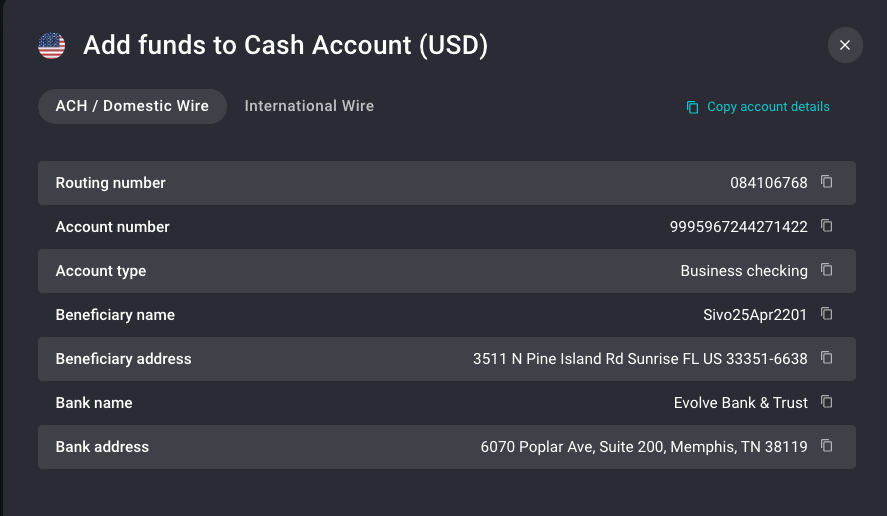
Once you have funds in your Sivo cash account you should be able to execute a payment using the API, here there is a recipe with an example :
Invalid input